Download
MMQ, Version 1.0.
User manual (PDF)
The PDF file is in Chinese.
Before using the software please read:
Taking images
Help
How to start
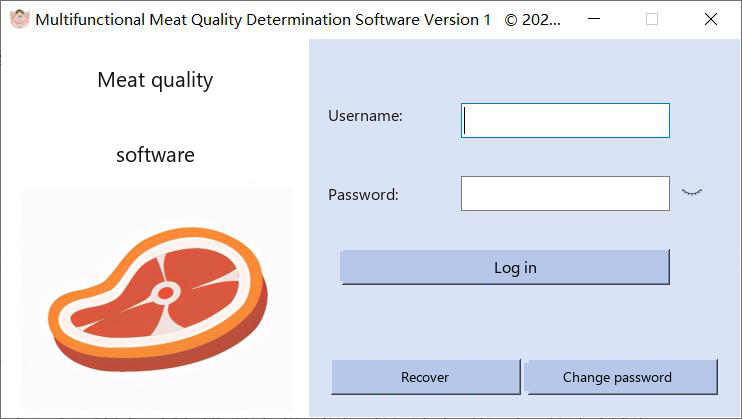
Double-click the executable, or right-click it and choose Run as administrator. The log-in window opens. The manual gives the initial username admin and the initial password 1. See Log in.
The printed manual also refers to the program file as the multifunctional meat-quality executable. In this distribution folder the file name is MMQ Determination Software.exe.
Computer
- CPU: Intel Core i5 or higher
- Memory: 8 GB or more
- Discrete graphics memory: 2 GB or more
- A USB port
Operating system
64-bit Windows 10 or Windows 11.
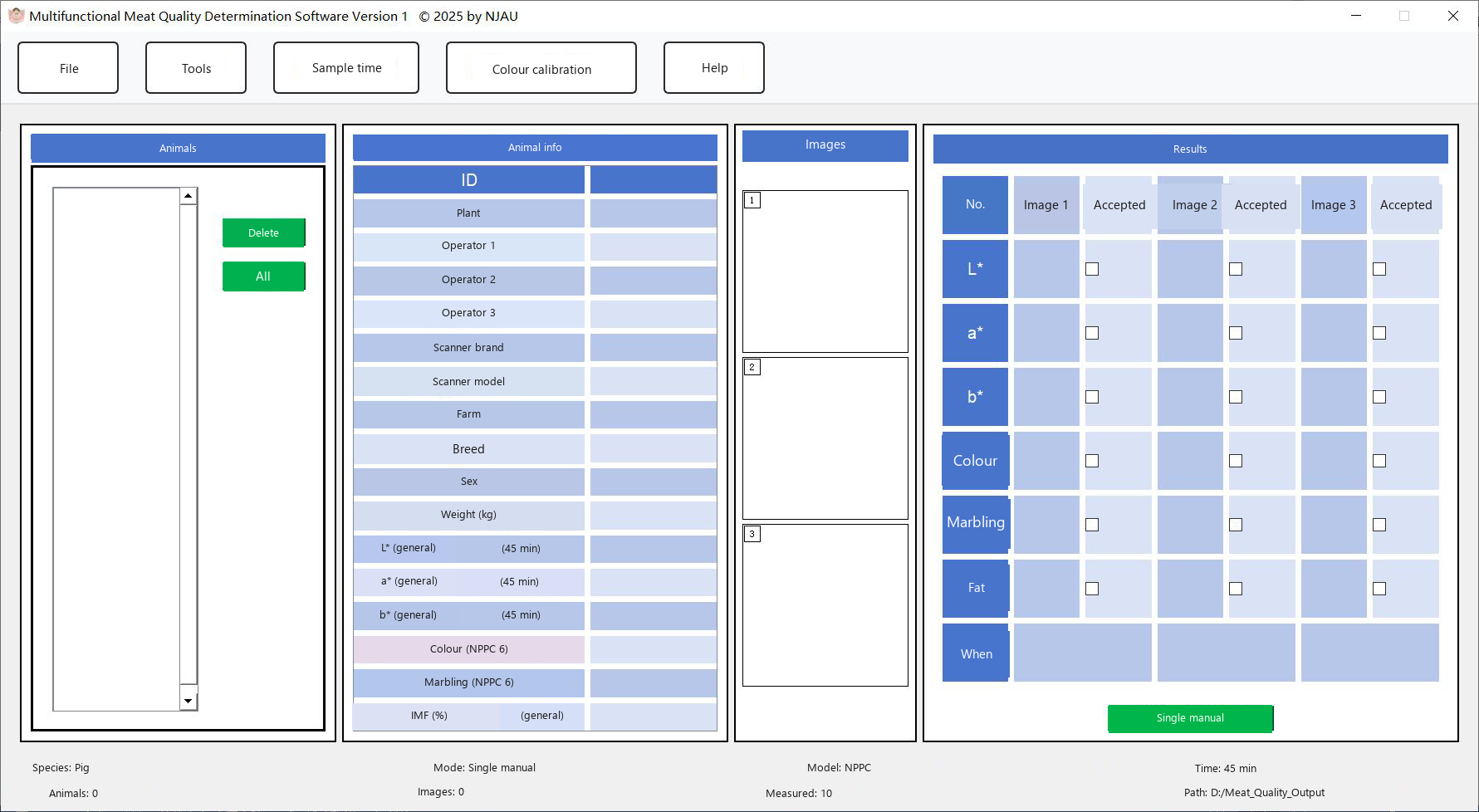
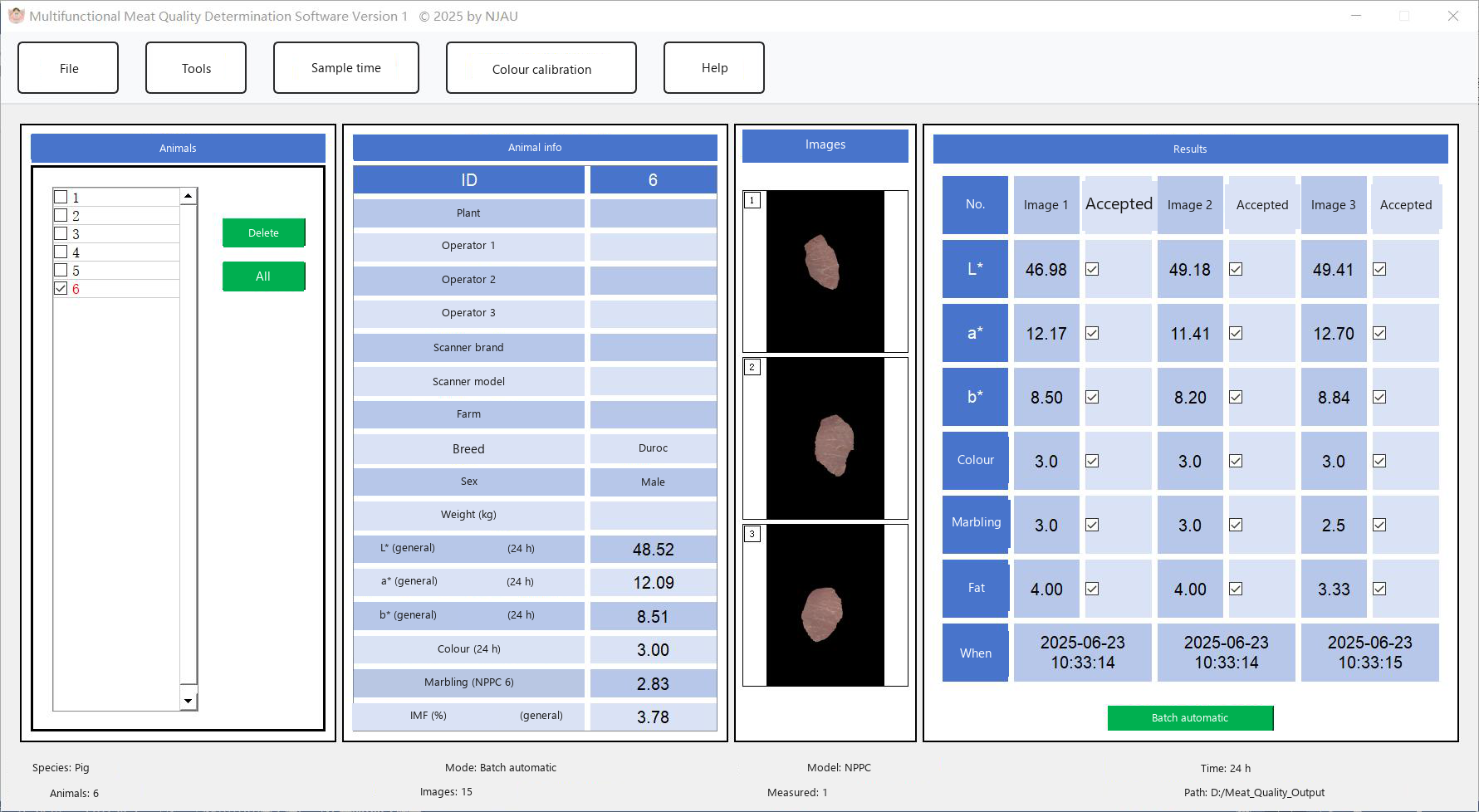
The program writes templates to D:\Meat_Quality_Templates and exported tables to D:\Meat_Quality_Output. If those folders are missing, the program creates them on drive D:.