How to use MMQ?
Installation
Use a 64-bit Windows 10 or Windows 11 PC that meets the hardware list. Run MMQ Determination Software.exe as administrator. The printed guide is the user manual (PDF).
Work in this order
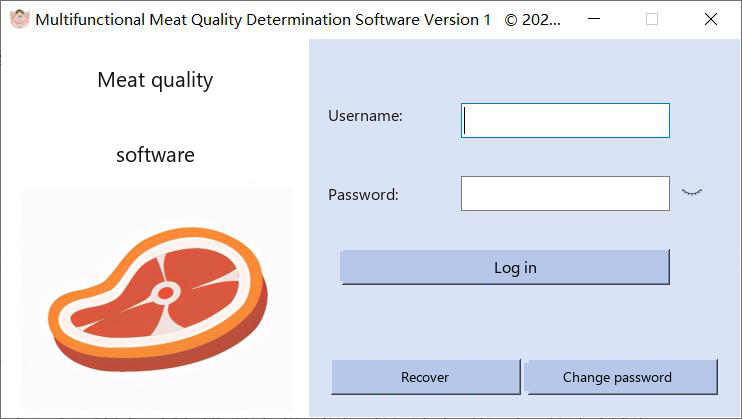
- Log in, or recover or change the password.
- Set the mode, the model and the time. Marbling and IMF need the 24-hour setting.
- Create an information template and import image folders.
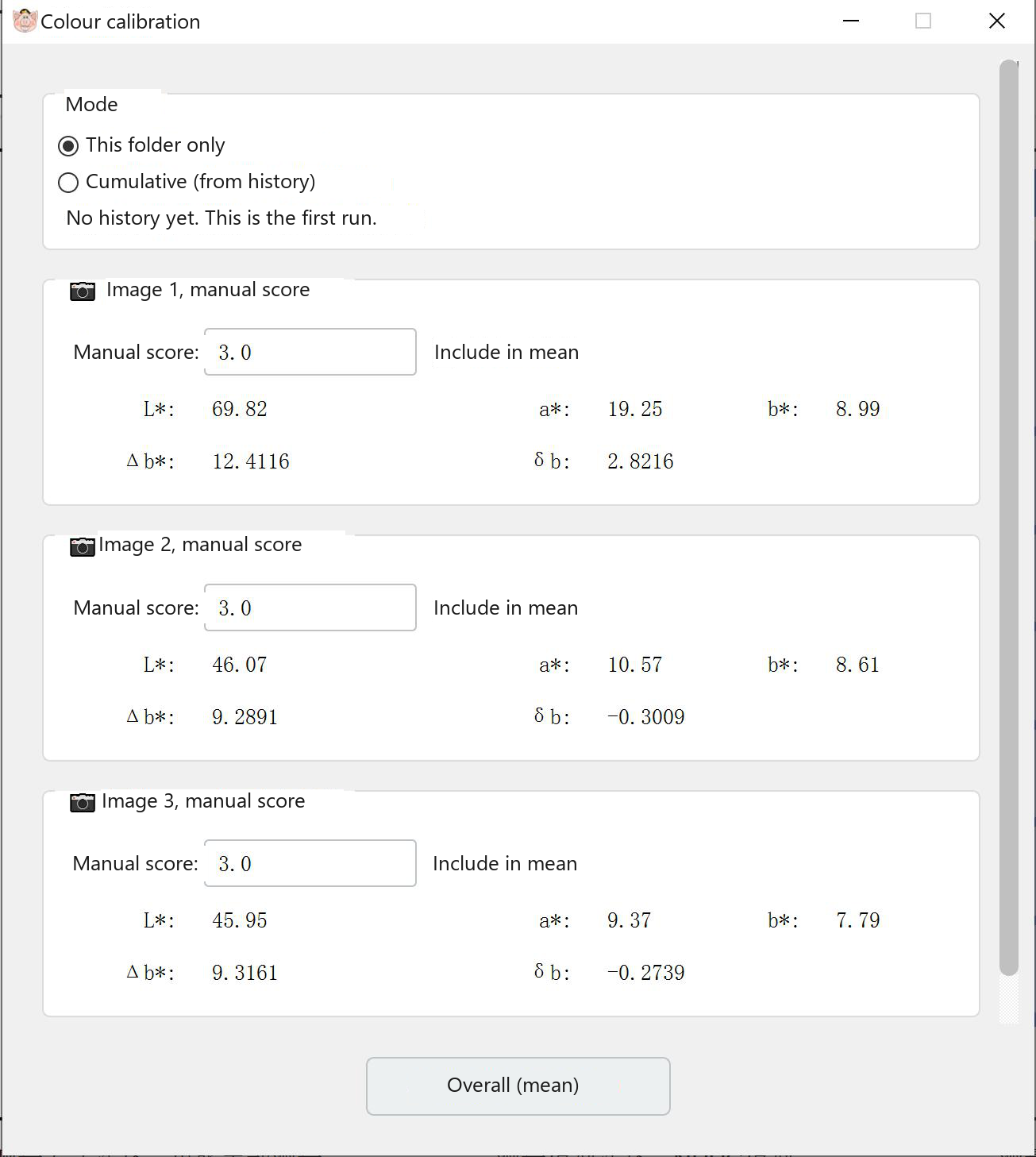
- Calibrate the meat-colour score if you want to. This step can be skipped.
- Measure one image, a manual batch, or an automatic batch.
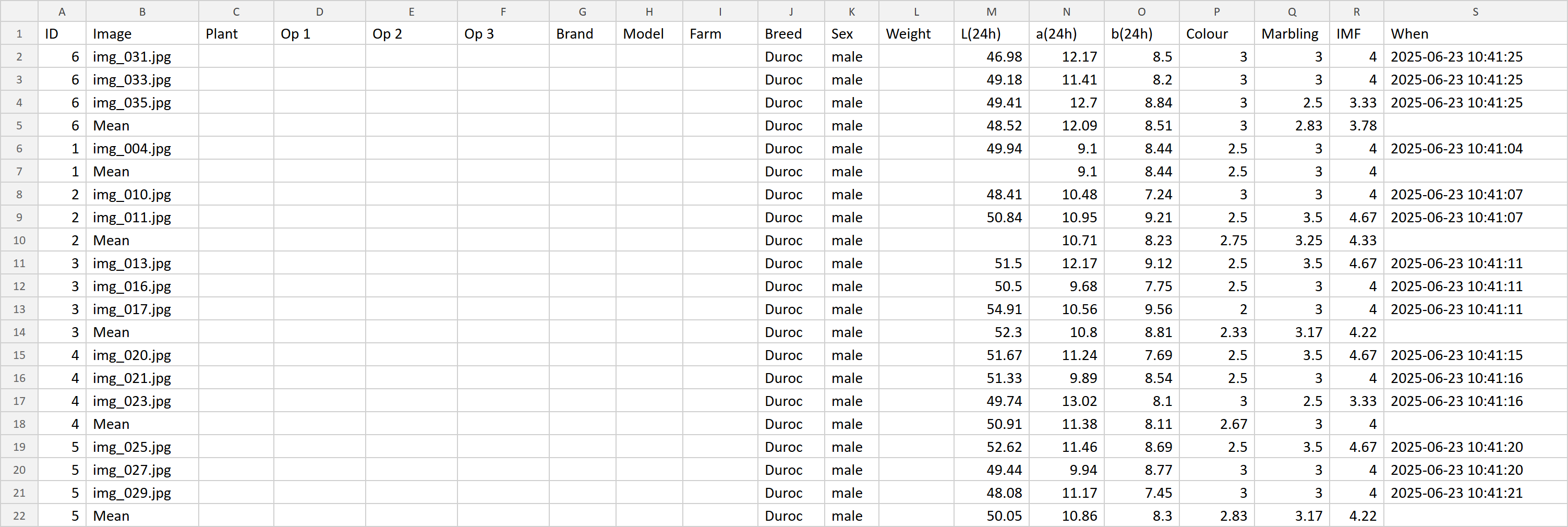
- Export the finished rows to CSV.
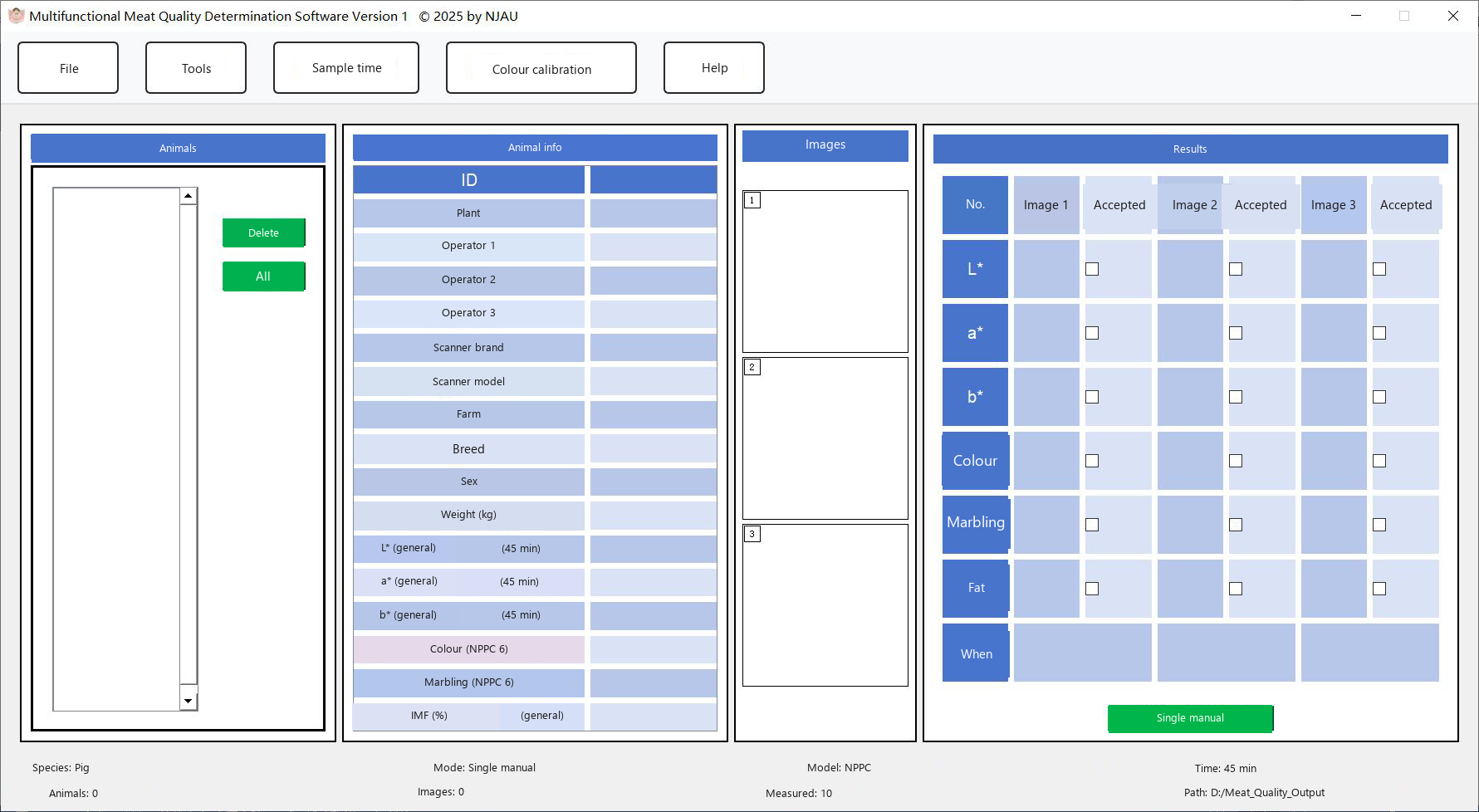
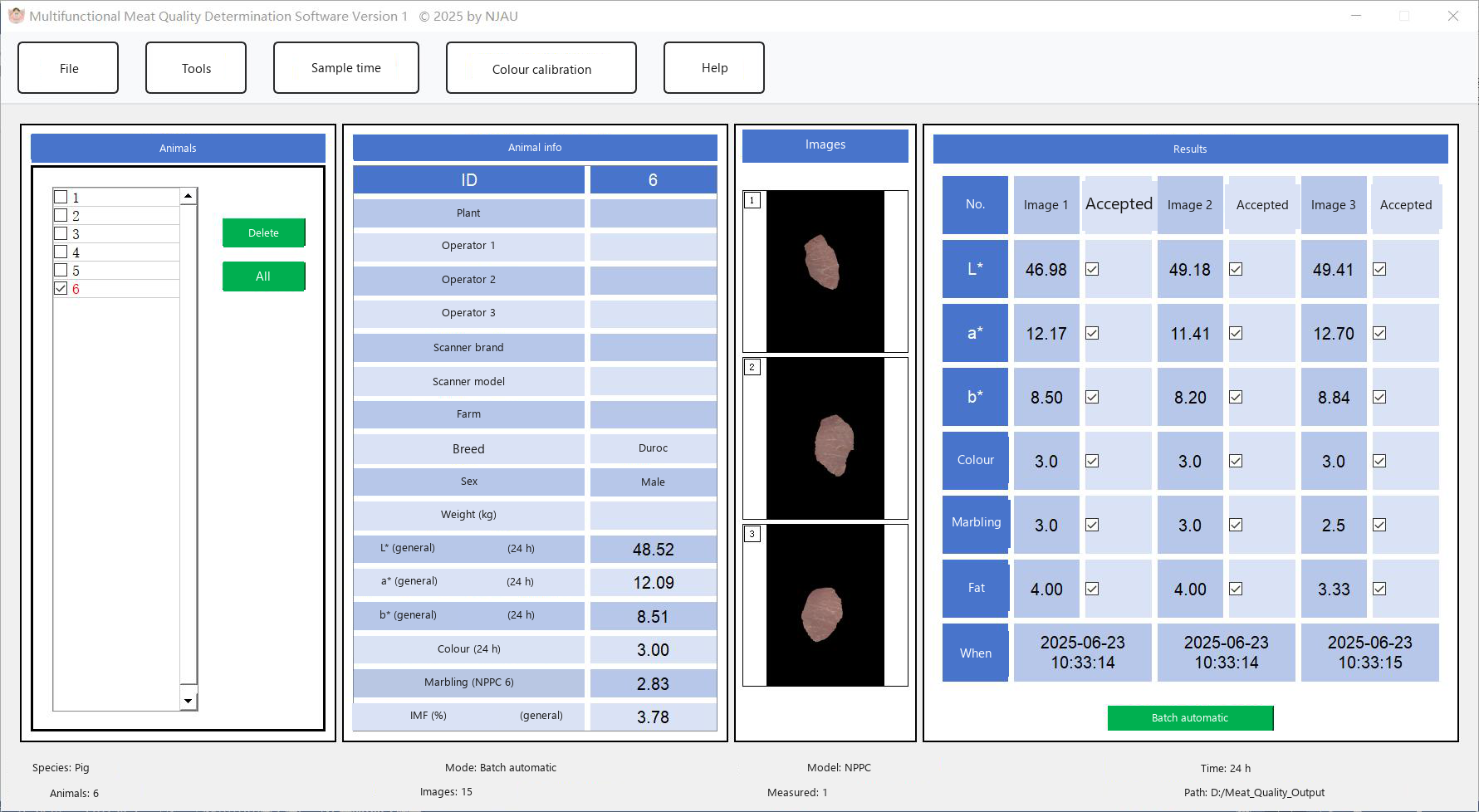
The main window: animal list, information table, image panes and results.
Menu map
File — species, new information template, data export.
Tools — measurement mode, measurement model, import folder.
Measurement time — 45-minute sample or 24-hour sample.
Meat-colour calibration — optional colour-score calibration.
Help > User guide — opens the packaged user guide.
Online marbling
For a browser-only fat-ratio grade, use PorkMS instead of the desktop program. Its grades are not NPPC 6-point scores.
Five rules from the measurement chapter:
- If you change the mode, the model or the time after a result has been calculated, MMQ clears that result. Measure the folder again.
- A folder that has already been measured is shown again, with its saved numbers, when you tick it.
- Finished folders are shown in red.
- Delete a folder from the animal list when you want its saved data and pictures removed.
- Untick Accepted for an image if that image should stay out of the average. The export file marks it.