Log in
Start MMQ Determination Software.exe as administrator. The log-in window has three actions: log in, recover a password, and change a password.
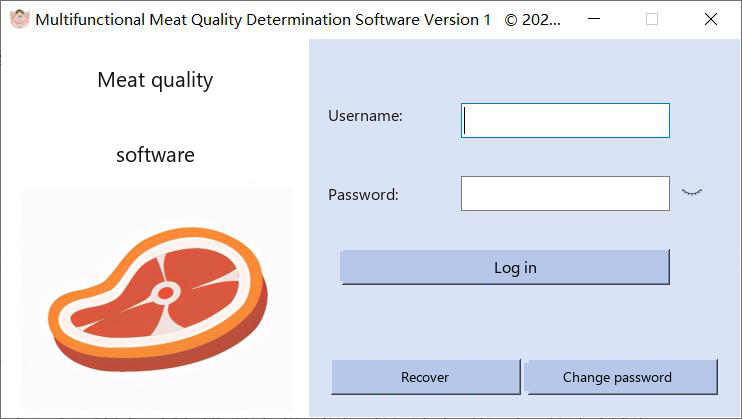
Fig. 1. Log-in window. Initial username admin, initial password 1.
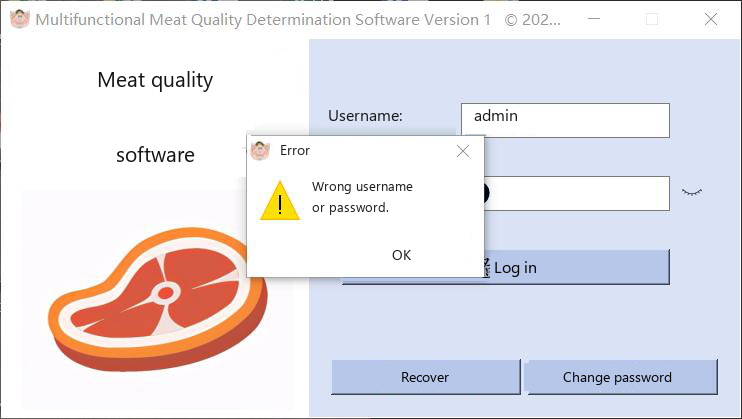 Log in
Type the username and password and click Log in. After a password change, use the new pair. If the username or the password is wrong, the program shows the warning in Fig. 2. The manual's initial account is username admin and password 1. |
Fig. 2. Unrecognized username or password.
Recover a password
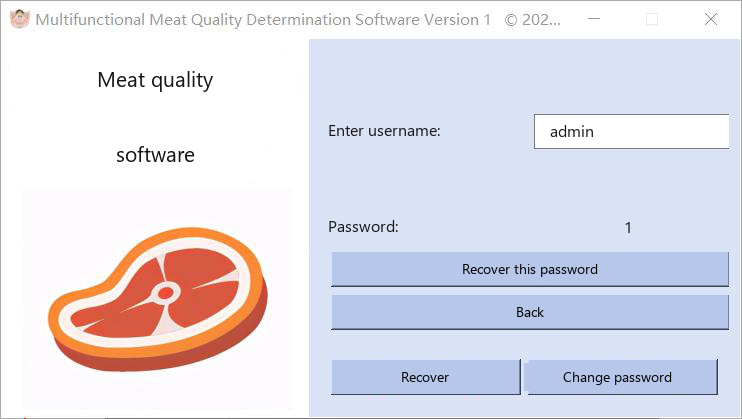 Click Recover password on the log-in window. Type the username and click the button that recovers the password for that user. The password is shown only when the username already exists.
|
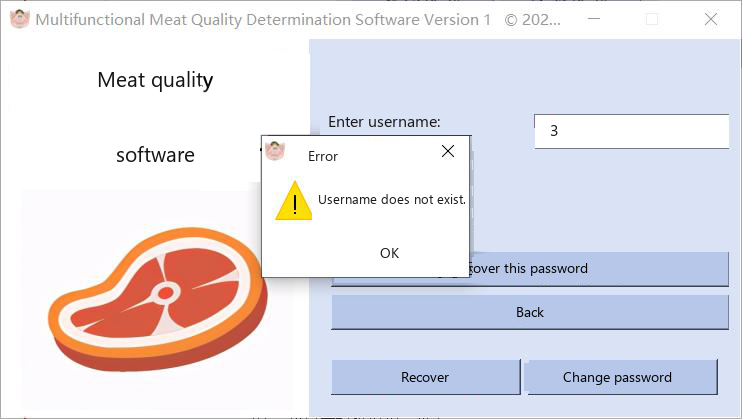
Fig. 4. Recovery is refused when the username does not exist.
Change a password
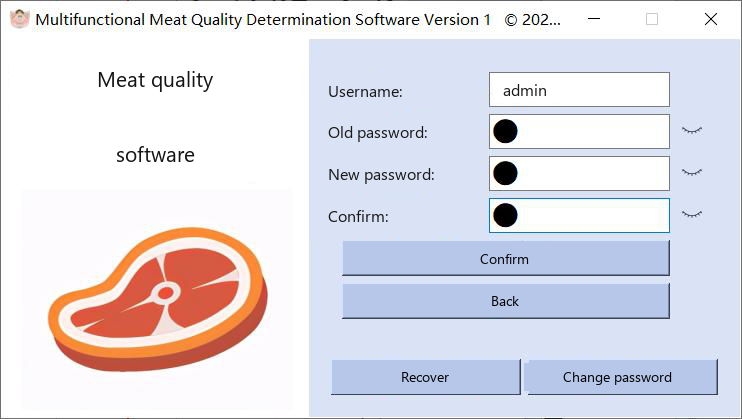 Click Change password on the log-in window. Type the username and confirm the change. Only an existing user can be changed. After a successful change, log in with the new password.
|
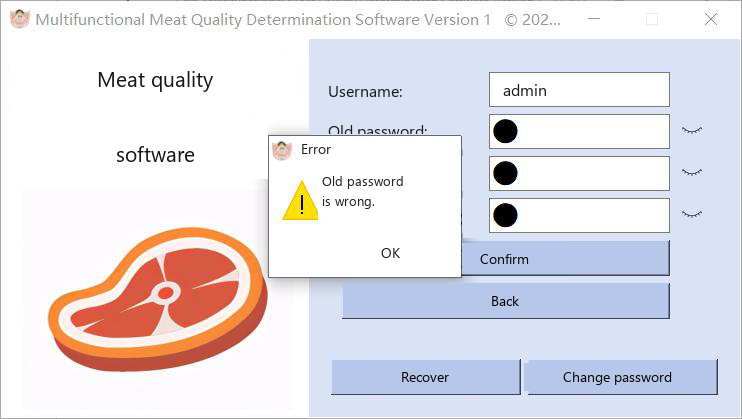
Fig. 6. The password is not changed when the username does not exist.
The form in the left column of this website repeats that check for the initial account. It does not start the desktop program and it does not change a password on disk.