PorkMS
PorkMS (Pork Marbling Measurement System) is a browser page for pork marbling. It estimates the fat area ratio on a muscle cross-section and turns that ratio into a marbling grade. Open PorkMS and start. No account is required.
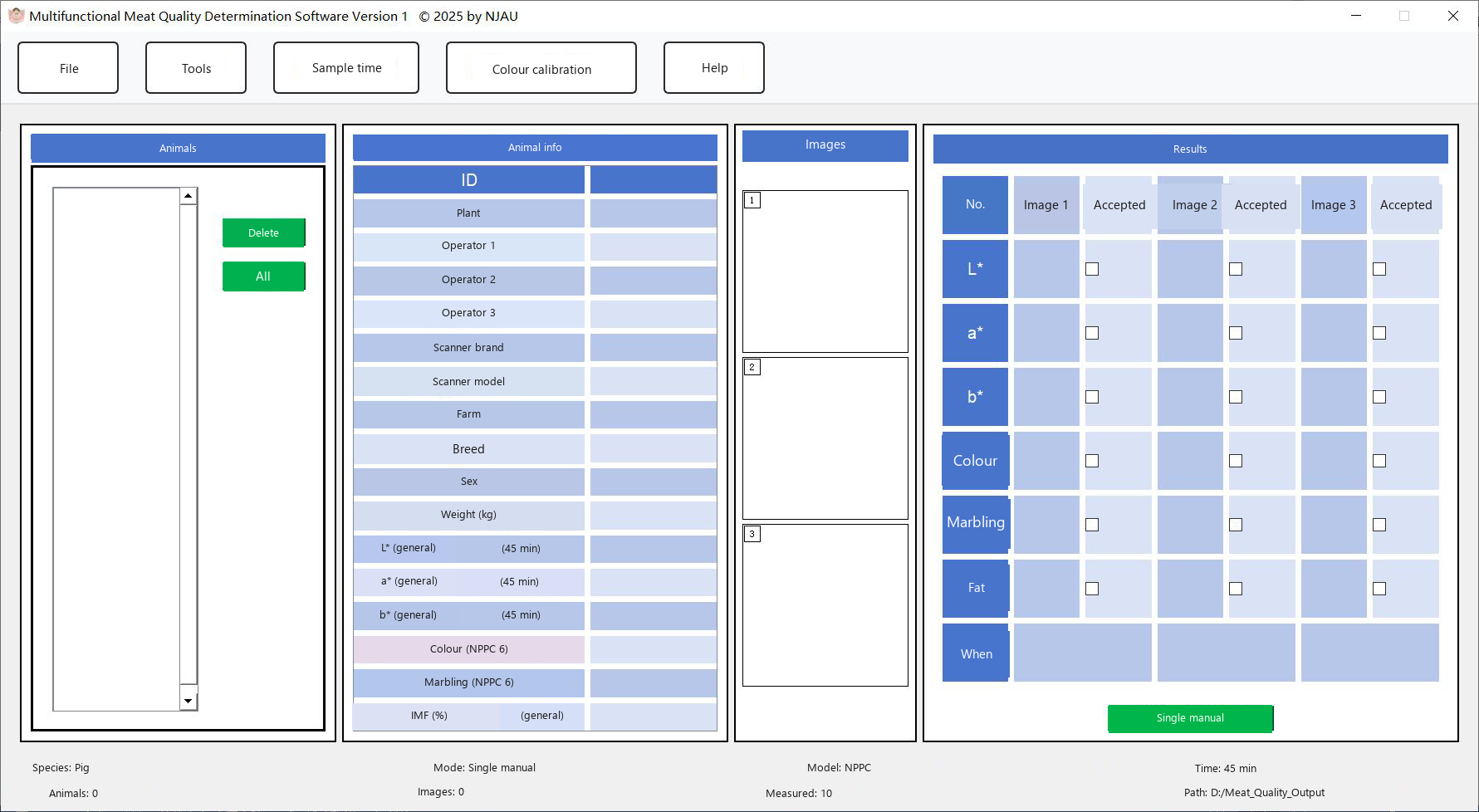
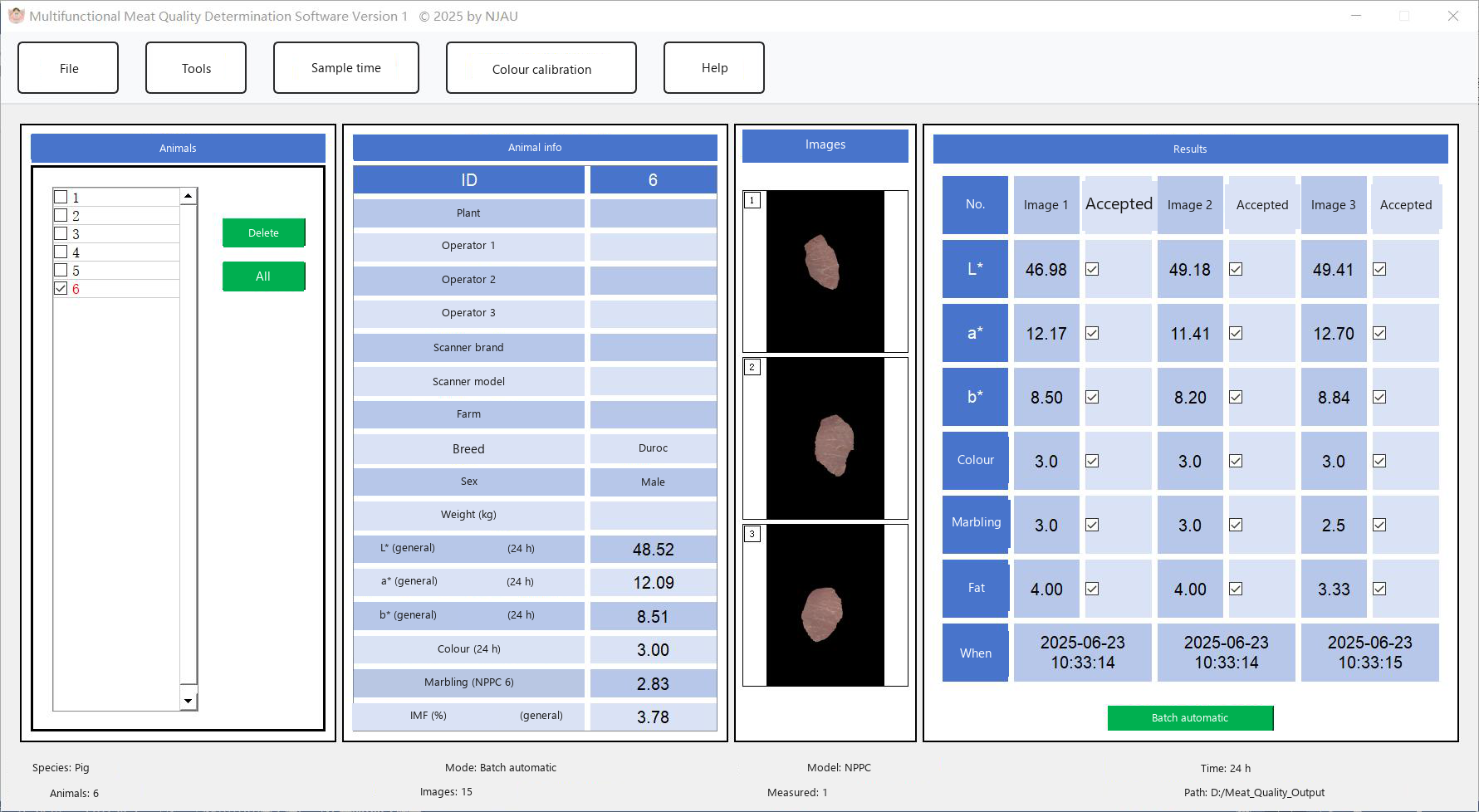
This grade is not the NPPC 6-point marbling score used by the MMQ desktop program. Use PorkMS when you want the fat-ratio grade below. Use MMQ when you also need L*, a*, b*, an NPPC colour score and intramuscular fat.
What the page provides
- No login. The page can be used as soon as it opens.
- One image at a time. Import an image, measure it, and the row is stored.
- History. Results stay in the history panel, newest or oldest according to the time sort on the page, and can be scrolled.
- CSV export. The history can be downloaded as one CSV file.
- Trial quota. Each visit allows 100 successful measurements. Ask the developer of PorkMS if you need more.
- Local processing. Analysis runs in the browser. Images and numbers are not sent to a server.
Animal measurement info
The form at the top is optional. It does not change the image analysis. Anything you type is included in the CSV file, which makes the sheet easier to trace.
| Field | Example |
|---|---|
| Location | Slaughterhouse or laboratory name |
| Operator | Person making this measurement |
| Breed | Duroc, Landrace, or another breed name |
| Gender | Sex of the animal |
| Date | Filled with today, and you can edit it |
Measure one image
- Fill in the form if you want a paper trail. Location, operator, breed, gender and date are all optional.
- Import an image. Click the upload area or drop a JPG or PNG file into the dashed box. A preview appears. The × control removes it.
- Start measurement. The button shows a busy state while the page analyses the file. A successful run uses one trial.
- Read the history row. The new row shows the time, a thumbnail of the original, a thumbnail of the marked image, the fat ratio and the marbling grade.
- Export or clear. Export all as CSV downloads the history. Clear all results removes the rows of the current session.
The standard-image strip on PorkMS holds six reference pictures, grades 1 to 6. Analyze under a reference picture runs that picture and adds a history row, which is a quick way to check the scale.
Trial quota
- A visit starts with 100 measurements. The remaining count is shown in the banner.
- Only a successful measurement is counted.
- The count returns to 100 when the page is refreshed or opened again.
- At zero, Start measurement is disabled. Contact the PorkMS developer to continue.
Marbling grades
The grade follows the fat area ratio on the muscle cross-section.
| Grade | Fat area ratio | Description |
|---|---|---|
| 1 | ≤ 0.275% | No marbling, extremely low fat |
| 2 | 0.275% – 2.284% | Trace marbling |
| 3 | 2.284% – 5.902% | Slight marbling |
| 4 | 5.902% – 8.703% | Moderate marbling |
| 5 | 8.703% – 12.464% | Medium marbling |
| 6 | 12.464% – 18.045% | Modestly abundant marbling |
| 7 | 18.045% – 23.508% | Abundant marbling |
| 8 | 23.508% – 28.232% | Highly abundant marbling |
| 9 | 28.232% – 33.355% | Extremely abundant marbling |
| 10+ | > 33.355% | Super abundant marbling |
How a marked image should be read
On the result thumbnail, green regions are fat (marbling) found by the page. The remaining area is the muscle region kept after preprocessing.
The page separates the sample with Otsu thresholding, filters it in Lab colour space, and uses connected components to keep a valid muscle region. Fat particles are then taken from block-normalised brightness. The fat area ratio is the input to the table above.
Desktop colour calibration, folder batching and IMF are described under How to use MMQ, not on this page.